
UTM campaign link builder
Add campaign source, medium and name to a URL while preserving its other query parameters and section anchor. Attribution depends on the destination’s analytics and consent setup.
Free to use. No email or account required.
Bookmark
Bookmark this tool
Save this short link in your browser’s bookmarks.
Paste this link into the address of a new or existing bookmark.
On desktop, drag UTM campaign link builder to your bookmarks bar.
Only the tool’s link is shared. Your inputs and results are not included.
Share
Your inputs
Edit the example inputs to match your task. Results update as you edit.
Calculations run in your browser. Inputs are not saved or sent to analytics.
How it works
Formula
- Campaign URL
Input and formula key
Your result
Complete the inputs to see your result.
Sources
- Google Analytics — custom campaign URL parametersSources reviewed: 2026-10-30
Assumptions and limitations
Accepts HTTP and HTTPS URLs without embedded usernames or passwords. Replaces the five matching UTM fields; blank optional fields remove old values. This tool does not visit the destination or install analytics. Do not put personal data or secrets in public links.
How to use this tool
Set up the inputs
Paste the full destination URL, then supply source, medium and campaign. Add a term or content label only when needed. Copy the generated URL into your campaign.
Worked examples
-
Tag a link for an email newsletter
https://emonster.tools/en/?utm_source=newsletter&utm_medium=email&utm_campaign=autumn_tools
Frequently asked questions
How should I read the result from UTM campaign link builder?
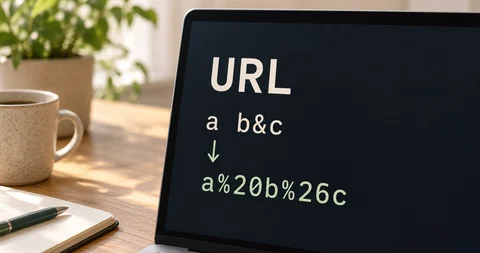
Spaces and special characters are URL-encoded. Values keep their case; use a consistent naming convention. Attribution depends on the destination’s analytics and consent setup.
Processing and privacy
The calculation or transformation runs in your browser. The tool does not send its input values or generated output to an application server. Loading a page still makes infrastructure requests; optional analytics and Google consent messages have separate controls.
Privacy Policy. Privacy & preferences in the footer controls optional analytics.
Help and feedback
Consult the linked sources for definitions and reference data. Contact Support if you have a question or notice a problem.
Read about calculation methods · Report a problem to emonster